
Updated · Overwatch 2, current controls.
The fundamentals
Most missed shots are not a sensitivity problem. They come from where your crosshair was before the fight started, from using the wrong skill for your hero, or from standing still to aim. Fix these first; they work the same on mouse and on controller.
Where you aim
Crosshair placement before the fight.
What you train
The aim skill your heroes use.
How you move
Strafing while you shoot.
Crosshair placement: aim before you need to
Keep your crosshair at head height and pointed at the place an enemy will appear: the corner they will walk around, the door on the high ground, the gap in the shield. The less distance your aim has to travel when they show up, the fewer things can go wrong.
 GAVEL-9 Aiming at the floor? The floor is not on the enemy team.
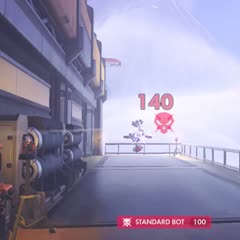
Head height, always.
Walking around with your crosshair on the floor costs you a full vertical flick every fight.
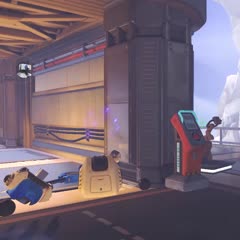
Pre-aim angles.
When you round a corner, slice it with your crosshair already on the edge, not in the middle of the wall.
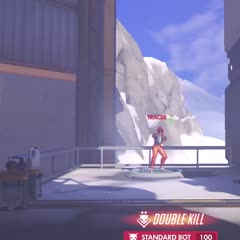
Track the threat you can't see.
Before a Tracer or Genji blinks back in, your crosshair should already sit where they will land: usually behind you or on high ground.
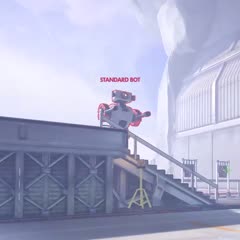
Mind the tall targets.
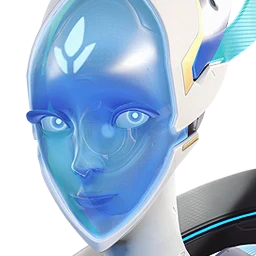
Pharah, Echo and Mercy fly above head height. Aim slightly ahead of them: horizontal movement curves on screen when you look up.
Tracking, flicks and projectiles: train what your hero needs
Aim is not one skill. Overwatch heroes lean on different ones, and practising the wrong one is wasted time.
Tracking
Staying on a moving target for a whole burst.
Smooth, continuous motion beats fast motion.
Tracking focus warm-up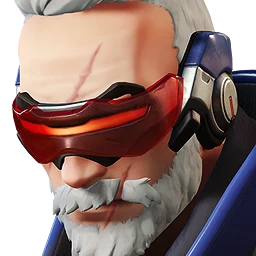
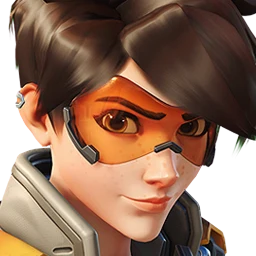
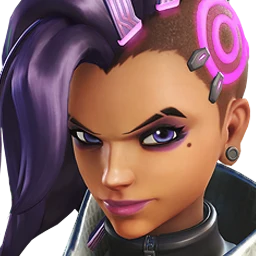
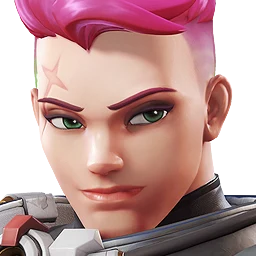
Flicks and clicks
Snapping to a target and firing one shot.
Speed matters, but stopping on the target matters more.
Flick focus warm-up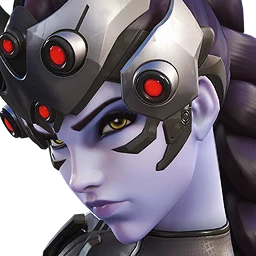
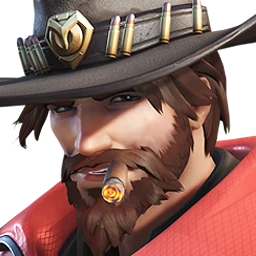
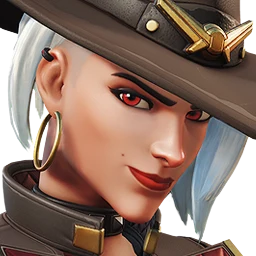
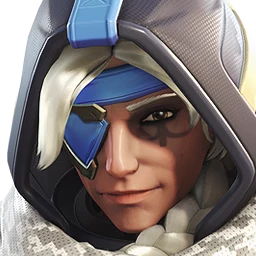
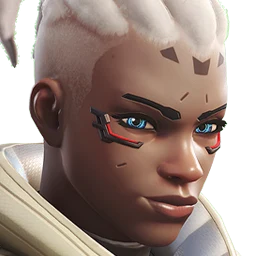
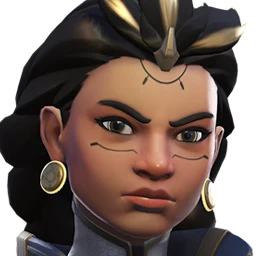
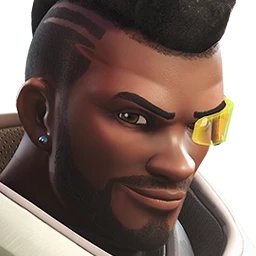
Leading projectiles
Shooting where the target will be.
The further away and the slower the projectile, the further ahead you aim.
Projectile Workshop codes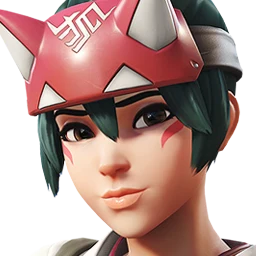
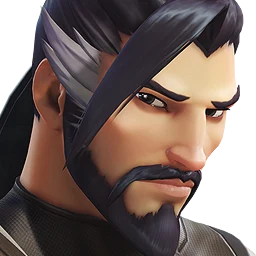
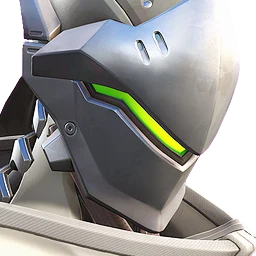
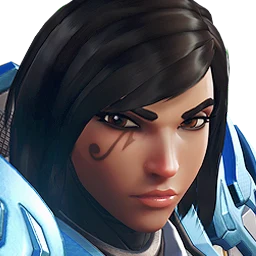
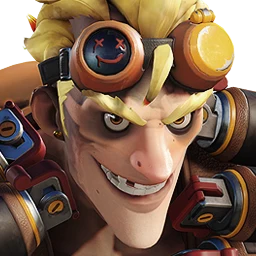

Target switching and micro-corrections
Moving between targets and fixing small errors.
Everyone needs them, especially after a target dashes or a tank swings in front of you.
Precision focus warm-upHeadshots deal critical damage with most hitscan and projectile weapons. Beams, explosions and many abilities can't crit, so on Zarya or Junkrat aim for the body and the splash.
Aim while you move
Strafe while you shoot
Standing still to aim makes you the easiest target in the lobby. Keep strafing left and right while you shoot, and practise tracking while you move: your hand and your movement keys (or left stick) need to work separately. Change direction unpredictably rather than in a steady rhythm.
Erratic targets: stay smooth
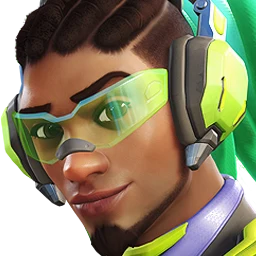
When a target is erratic (Lúcio wall-riding, Tracer blinking, Genji dashing), stay calm and stay smooth. Tracking the centre of their movement and letting them come back into your crosshair often beats chasing every twitch.
Mouse & keyboard aim
Sensitivity in cm/360, not in "sens"
Your in-game number means nothing on its own: it depends on your mouse DPI. What matters is how far you move the mouse for a full turn, measured in centimetres per 360°. Overwatch turns 0.0066° per mouse count per sensitivity point, so:
Example: 800 DPI at sensitivity 5 is 4,000 eDPI, about 34.6 cm per full turn.
20 to 30 cm
Suits wrist aiming and fast close-range heroes like Tracer, Genji or Winston.
Pros average about 35 cm/360.
Tanks often play faster, supports and snipers slower.
40 cm or more
Suits arm aiming and precise hitscan play, if your mousepad is big enough.
It should fit at least a 180° turn (half your cm/360) in one swipe.
GAVEL-9 New sensitivity after every lost fight? Objection.
Stop guessing: the Aim Court mouse lab tests five sensitivities around yours with the same targets, blind, and finds the range where your aim holds up. Then keep it. Your hand needs a week or two on one setting before you can judge it.
Settings checklist
Field of view
The maximum. You see more and targets move less on screen.
Enable high precision mouse input
Gameplay – Miscellaneous. Your shots register at the exact moment you click, not on the next frame.
NVIDIA Reflex
Or AMD Anti-Lag. Less delay between your hand and the screen.
Reduce buffering
Cuts input delay.
Frame rate
At or above your monitor's refresh rate, V-Sync and triple buffering off.
Mouse DPI
The comfortable zone for most mice; set the rest with the in-game sensitivity.
Crosshair
Small, bright (green or cyan), with a thin outline. A dot or a small cross without a big gap.
Scoped and zoomed sensitivity
Widowmaker, Ana and Ashe use Relative Aim Sensitivity While Zoomed. A value around 38 is commonly used because it keeps small adjustments feeling the same on screen when you scope in; start there and adjust by feel. Hero-specific overrides (per-hero sensitivity) can quietly change your aim: check them if one hero feels off.
Controller aim
Controller settings are where most guides guess. We didn't: we measured how Overwatch turns the stick into camera speed with a Workshop room, on Xbox Series and PC with the same controller. What follows is based on those tests.
How stick aim works in Overwatch
A big deadzone first
With custom deadzones disabled, nothing moves until the stick is about a quarter pushed. The grey centre does nothing.
Sensitivity is not a multiplier
Sensitivity 0 still turns, and doubling the number does not double the speed.
Vertical is already slower
At the same number the camera turns slower up and down than sideways. Many players lower vertical out of habit when they don't need to.
Xbox = PC
Xbox and PC behave the same with the same settings.
The controller lab shows your exact turn speed and curve, and lets you aim with your own controller in a room that turns like the game.
Controller settings, one by one
Dual-Zone
The default. Slow and precise for most of the stick, then a jump near the edge to a top speed faster than Linear's.
Linear Ramp
Speed in proportion to the push, after the deadzone.
Exponential Ramp
Very slow in the middle, fast near the edge; same top speed as Linear.
Stick push from left (centre) to right (fully pushed); camera speed upwards. The grey stretch is the deadzone, the dashed line is Linear Ramp.
Horizontal / vertical sensitivity
Pick the horizontal speed you need for quick 180° turns (the controller lab shows how long yours takes), then leave vertical close to it.
Aim smoothing
Delays how fast you reach your speed; the effect is small until the high nineties. It never lowers your top speed. Keep it at 0 if your thumbs are steady; use 90–98 only if your aim shakes.
Aim Ease In
Bends the response curve so small pushes are slower. Linear Ramp players often use around 20–30. Test it in short sessions: it changes everything near the centre.
Extra sensitivity at max deadzone
Plus its delay and ramp-up time. Adds speed only with the stick fully pushed, so you get fast 180s without losing precision inside.
Custom deadzones (Add / Override)
A smaller inner deadzone makes the stick respond sooner; a bigger one hides stick drift. Override replaces the default deadzone; Add stacks on it. Change one thing at a time.
Per-hero settings
Snipers and some abilities have their own relative sensitivity (zoom, alternate weapons). Check the hero tab if one hero feels wrong.
Aim assist
Aim assist strength
How much the camera slows and pulls near a target. Most players keep it at 100.
Aim assist window size
How far from your crosshair assist starts. Large windows catch targets early but also slow you down when you're turning past someone; 20–40 is a common range.
Aim assist ease in
Projectile, hitscan and melee. How gradually assist ramps up after it kicks in. Lower feels stickier, higher is smoother; tune it per hero type.
Disable aim assist at max deadzone
Turns assist off while the stick is fully pushed, so fast turns are not slowed by targets you pass.
GAVEL-9 Change one setting at a time. The court needs evidence, not chaos.
Our controller room has no aim assist. A setting that wins in the room without assist can feel faster in game, because assist slows you near enemies. Confirm any change in a custom game first.
A 10-minute warm-up before you queue
- 1
Aim Court warm-up
Tracking, flicks, precision, tracking. Your score is compared only with your own best.
- 2
A Workshop aim code
With your main hero: bots that move and strafe like players.
- 3
Practice range or a quick game mode
With the hero you'll queue on, to get abilities and movement going.
How to practise, and how much
Short and often beats long and rare.
15 focused minutes a day improves aim more than two hours on Sunday.
One skill per session.
Pick tracking, flicks or projectiles for the heroes you play, and stay on it.
Slow down to speed up.
Accuracy first; speed comes from repeating clean movements, not from rushing.
Keep your sensitivity.
Change it only after a fair test, then give it a week. Chasing a new number every bad game keeps you a beginner forever.
Watch your own replays.
Note where your crosshair was before each fight. Most "aim" problems show up there.
Warm up before ranked.
Five to ten minutes wakes your hands up. The plan is in chapter 04.
Questions
How do I get better aim in Overwatch?
Fix crosshair placement first (head height, where enemies will appear), then train the skill your heroes need: tracking for Soldier, Tracer or Zarya, flicks for Widowmaker or Cassidy, leading shots for projectile heroes. Warm up for 5 to 10 minutes before you play and keep the same sensitivity for at least a week.
What is a good sensitivity for Overwatch on mouse?
There is no single best number. Overwatch pros average around 35 cm per 360° turn; most players land between 25 and 50 cm. Lower sensitivity (more cm) helps precision, higher helps fast turns. Test a few values around yours in the Aim Court mouse lab and keep the range where your aim holds up.
What do Overwatch controller sensitivity numbers mean?
They set how fast the camera turns with the stick fully pushed, but not in proportion: sensitivity 0 still turns, and doubling the number does not double the speed. Vertical turns slower than horizontal at the same number, Dual-Zone tops out faster than Linear, and nothing moves until the stick is about a quarter pushed. The controller lab shows how long a 180° turn takes with your settings.
Should I use Dual-Zone, Linear or Exponential Ramp?
Dual-Zone (the default) is slow and precise for most of the stick, then fast near the edge. Linear gives speed in proportion to the push. Exponential is slow in the middle and fast near the edge. Try each in the controller lab with your own controller before changing your game.
How long should I warm up before ranked?
Five to ten minutes is enough for most players: three minutes of tracking, flicks and precision in the warm-up room, a few minutes in a Workshop aim code, then a quick game mode or the practice range with your main.
Does the browser trainer feel like Overwatch?
The rooms use Overwatch's 103° field of view and its sensitivity maths: 0.0066° per mouse count per sensitivity point, and our in-game measurements for controller. Aim assist is not simulated. Use the rooms to compare settings and warm up, then confirm in a custom game.
Sources and method
Controller behaviour: our own in-game tests with a Workshop room on Xbox Series and PC (November 2026), checked against Blizzard's patch notes and EternalDahaka's 2017 controller research. Mouse maths: Overwatch's 0.0066° yaw per count. Settings and practice advice: Blizzard's official notes and forums, ProSettings.net, Dignitas, Aimlabs Academy and Voltaic's benchmark categories.