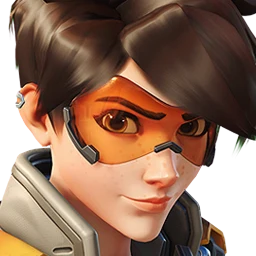


 King's RowHybrid
 Reinhardt
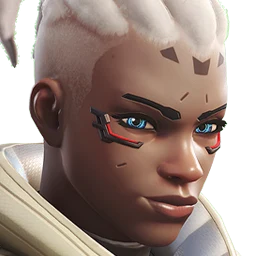 Sojourn
 Ana
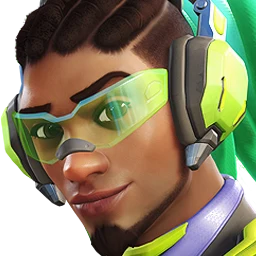 Lúcio
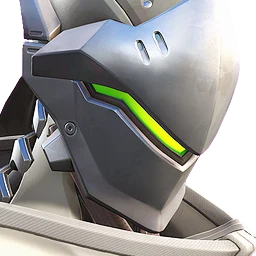 Genji
 Cassidy
 Moira?
Counterpicks that update live
Your heroes, or the whole role, ranked for the map, your rank, your teammates and the enemy team. When an enemy swaps, the best pick changes and you switch in one tap.
The Overwatch Wingman
Put your phone next to your keyboard or controller. Your wingman rides along the whole session, like a copilot for your matches: who counters you and who to switch to, which perks to take, how your team should play and what to fix next time. All of it built around the heroes you actually play.
Free · no account · works on any phone browser · Your sessions
Play with friendsDuo and trio rooms: one match, every phone in syncStep by step
5v5 or 6v6, Quick Play or Competitive, your rank and role. Pick your heroes, or let your wingman choose from the whole role.
Tank · any heroSee which modes and maps suit your heroes, vote for one, then tap the map that won.
Push +4.4 · VoteThe heroes worth banning on this map at your rank. Mark what got banned and every later pick adapts.
Suggested banYour heroes ranked for the map and rank, reordering as your teammates lock in.
Best pick nowScan the Tab and the map and both teams fill in, or tap the enemy heroes yourself. Switch in one tap, open tips and perks, then tap Win or Loss.
Better now: D.VaNew In the match
Open the scoreboard and take a photo of it. Your wingman reads the map, the enemy team and your team in seconds, so you spend the respawn reading advice, not tapping portraits.
Scan the TabRead on your phone: the photo never leaves it. On a computer, paste a screenshot with Ctrl + V.
Read from the top of the Tab. If the name is cut off, it says so instead of guessing.
The heroes your picks and counters depend on come first; your own team follows right after.
Sure heroes go in as they are. Doubts show a question mark: one tap confirms them, and nothing uncertain is used on its own.
Scan once and your duo or trio get the map and both teams on their phones.
Before you queue
Mid-match there is no time to read. So your wingman does the thinking before you queue, while you still have it, for the roles and heroes you are about to play.
Prepare a session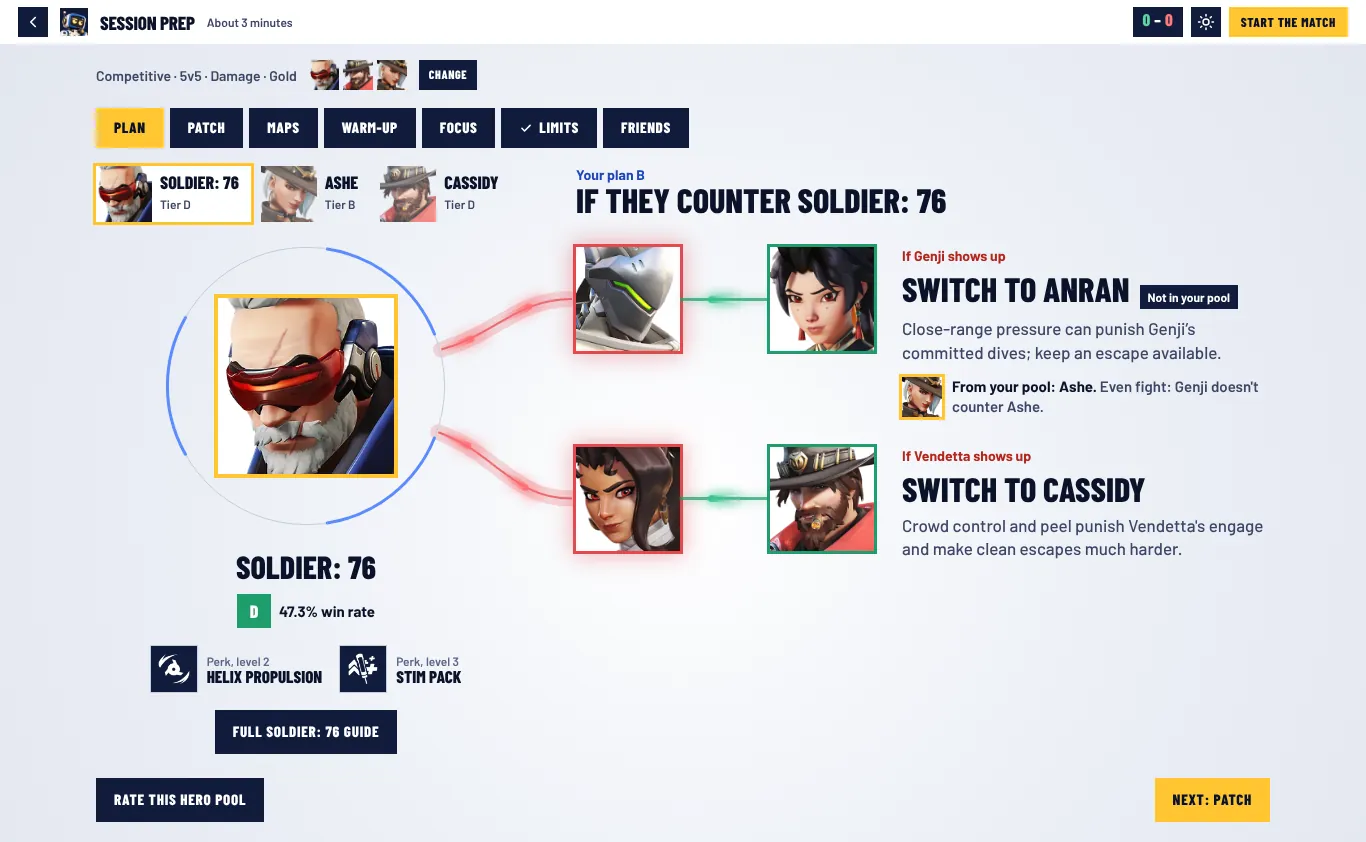
For each of your heroes, the counters you will most likely meet and who to switch to, from your own pool first. Straight from the counters database.
The level 2 and level 3 perk for each hero, the same picks as the hero guides, so you do not decide it mid-fight.
Buffs and nerfs to your heroes, and the counters of yours that just got stronger, from Patch Impact.
The modes to vote for, your best maps and the ones to be careful on, with a link to each map guide.
A timed routine: three minutes in the Aim Court warm-up, then the right Workshop code for your hero and one duel.
Pick one habit to work on. Your wingman shows it on every map vote and asks how it went.
Set your limits while you are calm: losing streak, matches tonight and break reminders.
Your best pick with your friends, what your stack is missing and who counters all of you, then rate it in the Squad Builder.
Why it helps
Counter charts and tier lists are read before you queue. Did I Throw Wingman is an Overwatch companion for your second screen: it sits next to your keyboard or controller and keeps its advice current from the map vote to the last fight.
From the map vote to the last fight, every swap, ban and teammate pick changes the advice.
Your team's game plan, what your hero brings to it and how to handle the enemy who counters you.
Enemy ult timers and swaps in one tap. Big portraits, no typing, the screen stays on.
Your record by hero and map, the heroes that beat you and whether the suggested pick paid off.
Everything in one screen
Your heroes, or the whole role, ranked for the map, your rank, your teammates and the enemy team. When an enemy swaps, the best pick changes and you switch in one tap.
How to handle the enemy who counters you, from the counters database. Before you see their team, it warns you about your likely counters and your nemesis of the night.
The level 2 and level 3 perk to take against this team, using the same rules as the hero guides.
Dive, Brawl, Poke or Anti-Dive: the style your team is built for, how to play it and what your hero brings.
One photo of the scoreboard fills the map and both teams. You check it before anything is used.
Tap when an enemy ults. The bar estimates when it comes back, so you know when to take the next fight.
The modes and maps where your heroes win more, marked so you know what to vote in seconds.
The heroes worth banning on this map at your rank, updated as each ban comes in.
Record by hero and map, the heroes that beat you and whether the suggested pick paid off. Saved on your phone.
One big line in colour: switch hero, watch out or all clear. Readable from a metre away while you respawn.
Better with friends
Open a room, share the link and your friends join from their own phones. No account and nothing to install: one match, every phone in sync.
Wingman vs a counter chart
| During a match | Counter chart | Did I Throw Wingman |
|---|---|---|
| Picks from the heroes you actually play | – | ✓ |
| Knows the map and your rank | – | ✓ |
| Changes when an enemy swaps | – | ✓ |
| Counts your teammates and bans | – | ✓ |
| Perks, game plan and ult timers | – | ✓ |
| Remembers how your night went | – | ✓ |
| Free, no account | ✓ | ✓ |
Questions
A free Overwatch wingman that runs in your phone's browser. You keep it next to your keyboard or controller and tap what you see in game; it tells you what to pick, how to play it, which perks to take, what to ban and when the enemy last used their ultimate.
No. Counterpicks are one of its jobs. It also gives your team a game plan, tips for the hero you play, perk picks, ban suggestions, enemy ult timers and a review of each session.
No. It is a web page on your phone. You tap what you see, or take a photo of the Tab screen, and nothing connects to the game client or your Battle.net account.
In the match, open the Tab screen and take a photo of it with your phone (on a computer, paste a screenshot with Ctrl + V). Wingman reads the map, the mode, the enemy team and your team, shows you what it read and uses it only when you tap Use this. Heroes it is not sure about appear with a question mark until you confirm them.
No. The photo is read on your own phone or computer and never leaves it. The first scan downloads the reader once (about 100 MB, better on Wi-Fi); after that it is quick.
Overwatch only shows the enemy team once the match starts. Before that, Wingman ranks your heroes by map, rank, bans and your teammates; when you add the enemies from the scoreboard, everything updates.
The Did I Throw counters matrix for all 54 heroes, Blizzard Hero Statistics for tiers, bans and maps (with separate data for Master and above), the official perk list and the Squad Builder team profiles, reviewed for the live patch.
In this browser on this phone. There is no account, and your sessions are never sent to us (a room only shares the current match, for 24 hours). Clearing your browser data, or the Delete history button, removes them.
No. Pick as many heroes as you like, or choose Any hero of your role and Wingman ranks the whole role for the map, your rank, your team and the enemy. In 6v6 it ranks the whole roster.
Yes. Open a room and share the link with your duo or trio. Everyone keeps their own heroes and settings, and the map, bans, enemy team and ult timers are shared: anyone can add them and every phone updates within a couple of seconds. When one of you taps Win or Loss, it is logged for everyone. Rooms hold only hero names and close after 24 hours.
Yes. Wingman runs in your phone's browser, so it works next to a PC, a console or a handheld. Nothing is installed on the console.
Yes. Quick Play skips the ban step and uses the general hero statistics; Competitive adds bans and uses the data for your rank.
Yes. Did I Throw Wingman is free and needs no account or download.
Yes. 6v6 is treated as open queue: your pool can mix roles and the pick takes into account which roles your team is missing.
Three minutes before your first queue: a plan B for each of your heroes (who to switch to when a counter shows up), the perks to take, what the live patch changed for them and their counters, the modes and maps where they win, a timed 10-minute warm-up with Workshop codes for your hero, one habit to focus on, your tilt limits and how your heroes fit your friends. It is all saved on your phone and the session starts already set up.
No. The ult timer is a stopwatch you start when you see an enemy use their ultimate. It shows how long ago it happened, not the charge.
Matchups reviewed for 2026-10-06. Rates from Blizzard Hero Statistics (2026-11-22). Not affiliated with or endorsed by Blizzard.